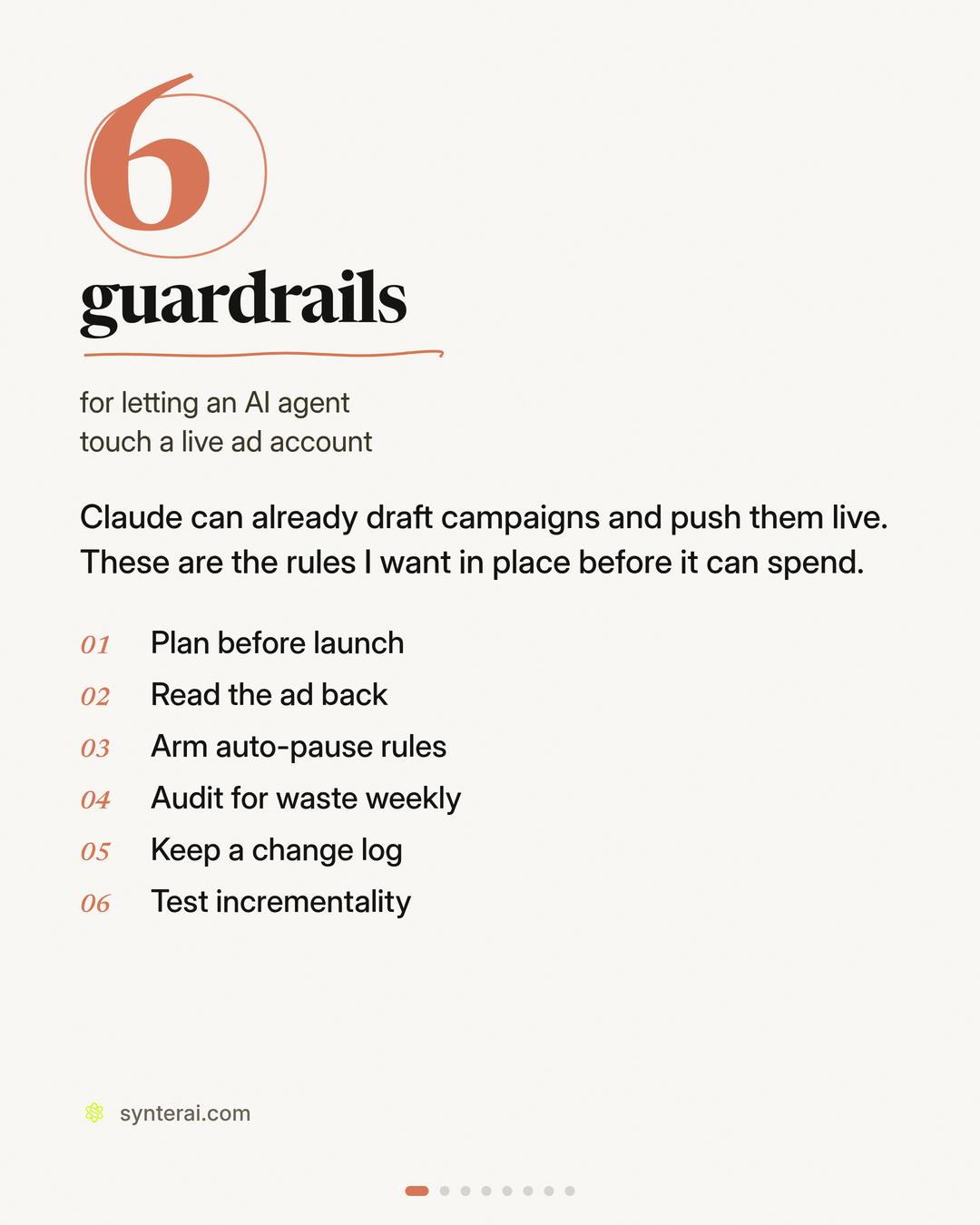
Six agent skills

Guardrails for letting an AI agent touch a live ad account

These are the six rules I want in place before an agent can spend. Each skill is a folder with a SKILL.md you can drop into Claude or Cursor. They are tool-agnostic; optional Synter MCP notes are at the bottom of each file.

Download all six skills (zip) Download the carousel PDF
Cover card: six guardrails for letting an AI agent touch a live ad account
1

Plan before launch

The agent writes the full campaign plan first. Nothing goes live until you approve it in writing.

An agent that can launch is an agent that can spend. The plan comes first. Nothing goes live until a human approves it.

Instructions

  1. Do not launch anything until the human explicitly approves the plan. Do not call execute, publish, create-and-enable, or equivalent tools before that approval. Draft-only work is fine.
  2. Write a complete campaign plan before proposing a launch. Include at least:

- Objective and success metric - Platform and account - Audience and placements - Budget and schedule (proposed, not applied) - Creative, CTA, and destination URL - Tracking and conversion actions - Risks and open questions

  1. Present the plan for review in a form a human can approve or request changes to. If they request changes, revise the plan and wait for approval again.
  2. Only after explicit approval, proceed to launch using the approved values. If anything in the live setup would differ from the plan, stop and re-confirm.

Optional: Synter MCP

If Synter MCP is connected, draft the plan, then use approve_campaign_plan to record approval. Call execute_campaign_plan only after that approval is in place.

Download SKILL.md

2

Read the ad back

After launch, pull each live ad from the platform itself and check it against the approved plan.

What you approved and what actually shipped are not always the same. After launch, pull each ad from the platform itself and check it.

Instructions

  1. Read from the platform, not from memory. Fetch the live ad objects (creative, CTA, destination URL, status, and targeting) using the ads API or MCP available in this session. Do not assume the draft you wrote earlier is what shipped.
  2. Compare to the approved plan. For each live ad, list:

- Creative (copy, image or video asset) - CTA - Destination URL - And whether each matches the approved plan

  1. Flag mismatches clearly. If anything differs, highlight it and recommend a fix. Do not silently overwrite live ads.
  2. Do not keep spending on a mismatch. Call out the issue before more budget goes out, and wait for the human to decide whether to pause, fix, or accept the change.

Optional: Synter MCP

If Synter MCP is connected, use get_ad_readback to pull live ads. It supports Meta, Reddit, LinkedIn, and Google Ads. For other platforms, use that platform's native ads API or MCP the same way.

Download SKILL.md

3

Arm auto-pause rules

Write the stop rule before the campaign starts. This pauses an ad set. It is not a hard cap on total spend.

Write the stop rule before you need it. An ad set that keeps spending without a conversion should be paused automatically, not left to quietly burn budget.

Instructions

  1. Agree on the rule with the human first. Confirm the conversion event, the minimum age (how long the ad set must have been running), and the spend threshold. Do not invent thresholds — ask if they are missing.
  2. Write the rule before launch, or as soon as you inherit a live campaign. The rule is: if an ad set (or equivalent) has zero conversions after the agreed age and spend threshold, pause it and notify the human.
  3. This is not a hard spend cap. The rule pauses for zero conversions past a threshold; it does not cap total spend or pace budgets. Do not describe it as a spend cap.
  4. Apply the rule through the available ads API or MCP. Then list the rules back to the human so they can see what is armed.
  5. When a rule fires, notify the human, leave the ad set paused, and wait for review before re-enabling.

Optional: Synter MCP

If Synter MCP is connected, use set_campaign_guardrail to arm the rule and list_campaign_guardrails to show what is already set. These auto-pause guardrails currently apply to Google Ads. On other platforms, implement the same logic with a scheduled check (age + spend + zero conversions → pause + notify). set_spend_alert can also notify on spend, but it is an alert, not a pause rule and not a hard spend cap.

Download SKILL.md

4

Audit for waste weekly

Once a week, review placements, overlapping audiences, and budget that should move. The agent proposes. You decide.

Look once a week for placements, overlapping audiences, and budget that should move. The agent proposes changes. It does not make them silently.

Instructions

  1. Scope the week. Confirm the account(s), date range (default: the last 7 days), and the conversion or efficiency metric the human cares about.
  2. Inspect at least:

- Placements or inventory that spend with weak or no results - Overlapping audiences or keyword / ad-group collisions - Campaigns or ad sets whose budget should be reduced, reallocated, or paused

  1. Propose, don't apply. For each finding, write a recommended change and a one-line reason (what you observed, what you would do, and the expected effect). Do not pause, edit targeting, or move budget until the human approves the specific change.
  2. Do not claim automatic budget pacing. Recommendations can include moving budget; execution happens only after approval, through the tools the human authorizes.
  3. End with a short prioritized list (highest waste or highest confidence first) and wait for approval.

Optional: Synter MCP

If Synter MCP is connected, use audit_campaign_waste to find waste and optimize_budget only as a source of proposed reallocations. Present those proposals for approval. Do not treat them as already applied.

Download SKILL.md

5

Keep a change log

Every edit needs a who, what, and when. If you cannot explain a change, roll it back.

Every edit should have a who, what, and when. If you can't explain a change, roll it back.

Instructions

  1. Before you scale or debug, pull the change history for the relevant campaign and date range.
  2. For each edit, record:

- Who made it (person, agent, or platform automation) - What changed (field-level if available: budget, bid, targeting, creative, status) - When it changed

  1. Flag anything unexplained. If a change has no actor, no reason, or does not match a known approval, highlight it and recommend a rollback. Do not keep an unexplained change in place just because performance looks fine.
  2. When you make an edit yourself, write the same who / what / when entry, including why, and only after the human has approved the change (unless they have explicitly authorized a narrow, pre-approved action).
  3. Platform coverage. Google Ads exposes a native account change history. On other platforms, if no comparable log exists, maintain a written log in the session (and any doc or spreadsheet the human designates) and say clearly that you are not reading a native platform log.

Optional: Synter MCP

If Synter MCP is connected, use get_account_changelog to read Google Ads change history. This tool is Google Ads only. For other platforms, follow step 5.

Download SKILL.md

6

Test incrementality

Before you scale a channel, run a holdout and scale only if the lift is real, not just platform-reported ROAS.

Platform-reported ROAS takes credit for sales you'd have gotten anyway. Run a holdout before scaling a channel.

Instructions

  1. Do not scale a channel solely on platform-reported ROAS or attributed conversions. Call this limitation out if the human is about to raise budget on that basis.
  2. Design a holdout before the scale-up. Propose, and wait for approval on:

- Split method (geo or audience holdout are the default options) - What stays in the exposed group vs. the holdout - Test window and minimum spend or sample needed - The primary lift metric (for example, conversions or revenue in the holdout vs. exposed group) - How you will compare that lift to platform-reported ROAS

  1. Do not change budgets or targeting to start the test until the human approves the design.
  2. When results are in, report incremental lift first, then platform-reported ROAS as a secondary number. Recommend scaling only if the holdout shows real lift.
  3. Do not claim Markov attribution or any other attribution model that is not actually being used. If incrementality cannot be measured with the available tools, say so and design the most honest holdout you can.

Optional: Synter MCP

If Synter MCP is connected, use measure_incrementality to help design or read a holdout. Combine it with the approved test design above; do not treat a platform ROAS readout as a substitute.

Download SKILL.md